Why most people quit Anki at week 3 - and how to redesign your review load before burnout hits
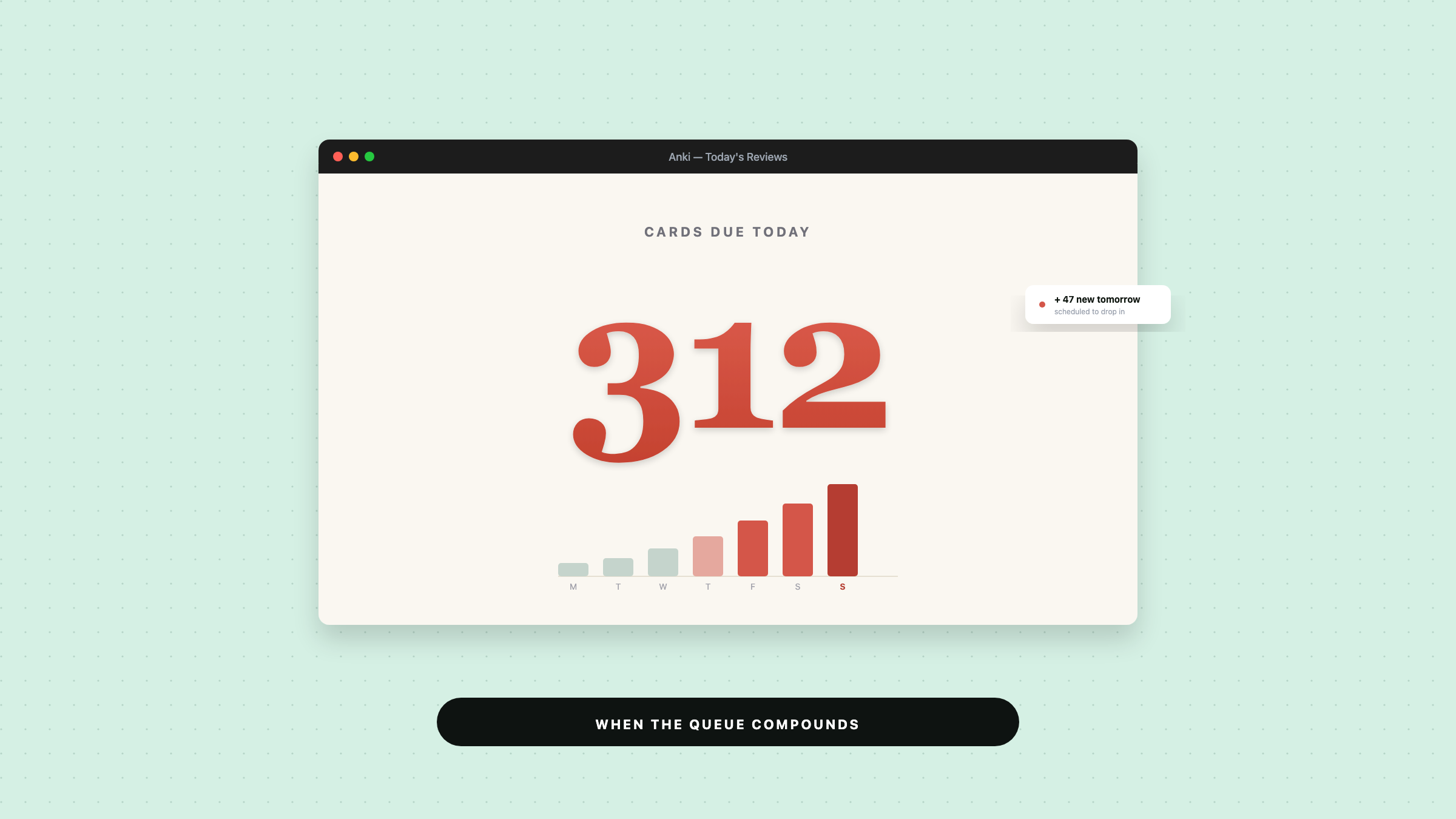
You open Anki after a missed weekend and see 312 reviews waiting. By Wednesday, that number has jumped again, and now the app feels less like study help and more like a debt collector. If your Anki review queue too long is making you avoid the app, you’re not lazy. Your system probably cracked.
The problem usually doesn’t start with one bad day. It starts with a deck that grew faster than your daily review budget, then one skip turned into three, and suddenly you’re staring at a backlog that feels personal.
Why Anki backlogs feel so punishing
Anki only shows you today’s pile. It doesn’t show you the next three days of reviews that your missed cards have already scheduled.
That’s why backlog stress hits so hard. You don’t just feel behind. You feel like tomorrow will be worse too.
The emotional part matters more than people admit. Once a deck starts to feel unmanageable, every open session comes with a tiny dose of dread. You stop trusting the system, and once that trust goes, consistency gets much harder.
This is where spaced repetition overload sneaks in. The method still works. Your load just outgrew your life.
The mistake that makes review queues explode
Most people don’t quit because Anki stops being useful. They quit because they build a deck that assumes perfect attendance.
Here’s the usual pattern:
- They add too many new cards.
- They let reviews pile up for a few days.
- They try to “catch up” in one giant session.
- They burn out and miss more days.
That catch-up session is the trap. It feels responsible, but it often creates the next backlog. You leave exhausted, and the deck keeps generating tomorrow’s workload anyway.
A better approach starts with capacity, not ambition. Ask one simple question: how many minutes can I actually give Anki on a normal weekday? Then build around that number, not around your best-case mood.
If your current pace keeps blowing up, you’re not looking for a miracle. You’re looking for a realistic way to how to reduce review time in Anki without throwing away the whole deck.
How to redesign your deck before burnout
The fastest fix is usually not “study harder.” It’s “feed the deck less.”
Trim new cards first. New cards create future reviews, so every extra card you add today becomes tomorrow’s traffic. If your queue already feels heavy, pause new cards for a few days or cut the daily number way down.
Then check your cards for clutter. Long prompts, vague answers, and multi-fact cards slow you down. One card should test one thing. If a card makes you pause and reread it, it probably needs to be split.
You should also watch for card duplication. People often create three versions of the same fact because each one looked “clearer” in the moment. Later, those near-duplicates all show up in the queue and waste time.
If you want to change review limit Anki behavior in practice, think in terms of boundaries. Limit the inflow, not just the daily pain.
A useful test: if you skipped Anki for two days, would your system still feel recoverable? If the answer is no, your deck needs a redesign.
A sustainable weekly Anki review system
A sustainable system doesn’t try to make every day identical. It gives you a floor and a fallback.
Start with a daily minimum that fits your worst normal day, not your ideal day. Ten focused minutes that happen six days a week beat a 90-minute rescue session you dread.
Then add a weekly check-in. Once a week, look at three things:
- How long reviews took on average.
- Whether new cards are creating more load than you can absorb.
- Whether any card types keep slowing you down.
That weekly look matters because Anki backlog burnout usually grows quietly. You don’t notice the load building until the app starts getting skipped.
If you know a heavy week is coming, reduce new cards before the crunch hits. Don’t wait until the queue explodes. That one change keeps the deck from turning into a repair project.
And if you missed days already, stop trying to clear everything in one sitting. Split the backlog across several sessions. You want a system you can return to tomorrow, not a heroic session that ruins the rest of the week.
When to pause, trim, or rebuild your setup
Sometimes the right move is to pause new cards. Sometimes it’s to trim old ones. And sometimes you need a bigger rebuild.
Pause new cards when reviews still feel manageable but your life just got busy. Trim cards when the backlog comes from bloated prompts, repeated facts, or cards that take too long to answer. Rebuild when the deck structure itself keeps pushing you into overload no matter how careful you are.
A rebuild sounds dramatic, but it can be the cleanest fix. If every study session feels like recovery work, the deck may be asking for more than you can give.
This is also where some learners benefit from moving from raw notes to a lighter review flow. Instead of tossing every detail into a giant deck, they turn notes into smaller, more usable pieces and review what actually matters.
That kind of setup takes less energy to maintain. It also makes it easier to stay honest about what you can finish in a week.
If you want help keeping that structure organized, Draft and Arc can support the backend pieces of an AI-powered personalized learning platform, with courses, lessons, notes, and time entries all mounted in the main FastAPI app. That makes it easier to keep study material, progress, and note snapshots in one place instead of letting everything sprawl.
What to do tonight if your queue already feels too big
Don’t try to “win” against the backlog tonight. Try to make tomorrow easier.
Open the deck and set one limit: fewer new cards, or a shorter review session, or both. Then clear only what fits inside that limit. If you still have energy left, stop anyway.
That feels counterintuitive when the queue is staring at you. But a controlled session protects the next one. A sustainable Anki habit comes from repeatability, not punishment.
If your Anki review queue too long problem keeps coming back, treat it like a system issue, not a willpower issue. The fix is usually in the deck design, the daily limit, or the amount of new material you let in.
Keep the load small enough that you can come back tomorrow. That’s the whole game.