If you’ve watched 14 coding tutorials this month and still can’t build a login form without rewinding, you’re not lazy. You’re stuck in a system that rewards watching over doing.
That’s tutorial hell: a loop where passive YouTube learning feels clean and safe, but your actual skill barely moves. If you want to know how to get rid of tutorial hell, start by treating it like a process problem, not a motivation problem.
What tutorial hell actually is
Tutorial hell isn’t “I like learning from videos.” It’s “I keep consuming lessons, but I don’t keep anything.”
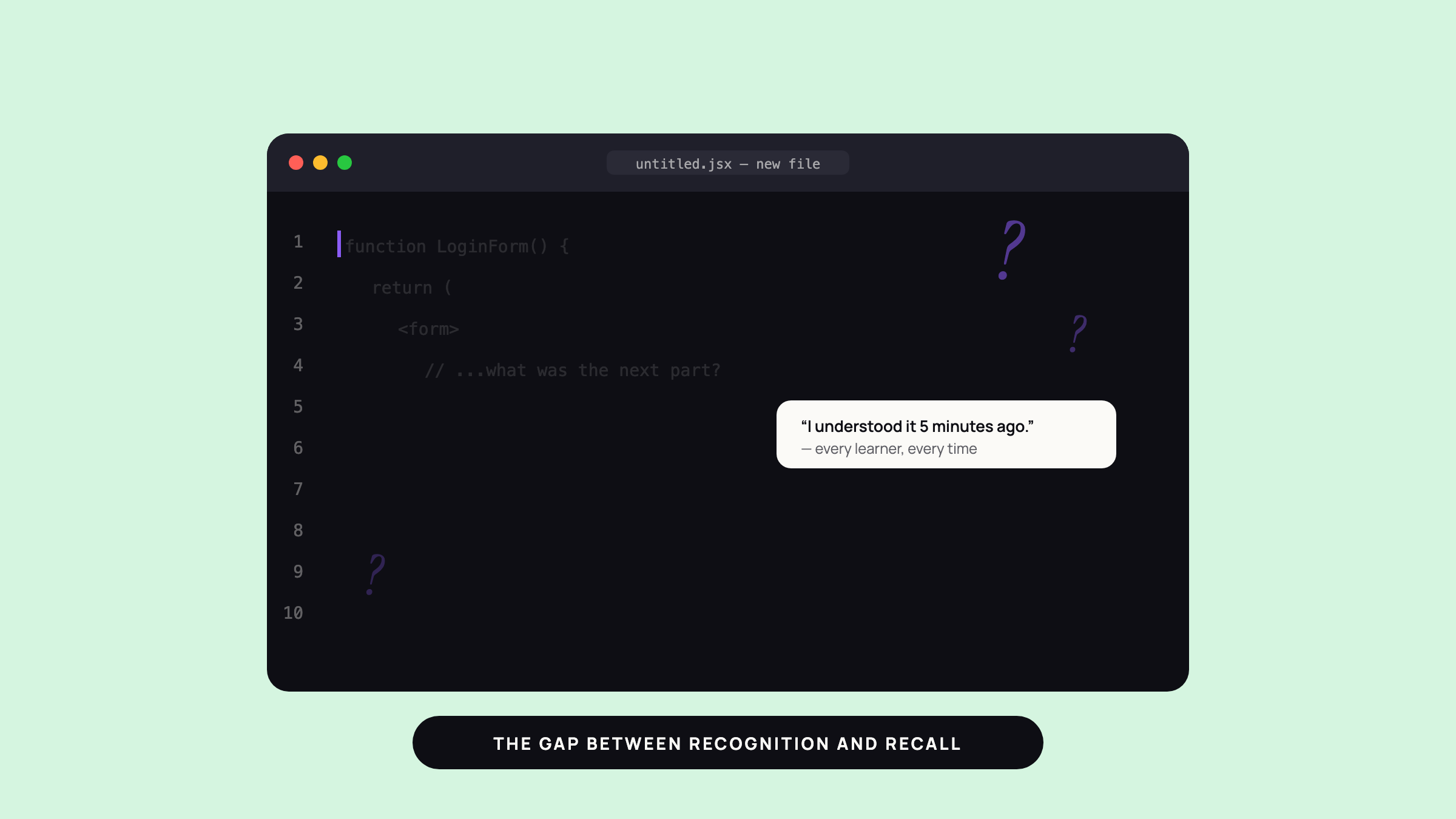
You finish a tutorial, understand every step while it plays, then freeze when the blank editor opens. That gap between recognition and recall is the whole trap.
A tutorial gives you a path. A project asks you to make decisions. If you never make decisions, you never build the muscle.
Why watching tutorials feels productive
Watching feels good for a reason. You get constant feedback, no risk, and no friction.
You can sit there for an hour and feel busy because your brain is tracking motion: code is changing, the instructor is moving, the problem looks like it’s getting solved. But your hands didn’t have to do much.
That’s why passive YouTube learning can fool smart people. It creates the feeling of progress without forcing retrieval, problem-solving, or memory.
And if you’ve ever thought, “I should stop watching tutorials and just build,” you’re not wrong. You’re just probably trying to jump too far.
The transition from viewing to doing
The fix is not “never watch tutorials again.” The fix is to shrink the gap between watching and building.
Use this rule: every tutorial needs a second life.
After 10 to 20 minutes of watching, pause and rebuild the idea from memory. Don’t copy the screen line by line. Close the video and ask: what did I just see, and can I reproduce the core part without help?
Then make one small change. Not five. One.
If the tutorial builds a to-do app, change the data shape. If it shows a CSS layout, swap the colors and spacing. If it explains an API call, add one new field and see what breaks.
That tiny change matters because it forces you out of mimic mode. Mimic mode feels safe. Transfer mode builds skill.
How to use projects to force learning
Project-based learning from tutorials works best when the project has edges.
A good first project is not “build your dream app.” It’s something small enough to finish in a weekend and awkward enough to require real thinking. A habit tracker. A recipe page. A bookmark saver. A flashcard tool.
The project should force three things:
- You must choose what to include.
- You must debug something the tutorial didn’t solve for you.
- You must explain the result in plain language.
That last part matters more than people think. If you can’t explain what you built, you probably copied patterns without owning them.
Here’s a simple rule for how to get rid of tutorial hell with projects: one tutorial, one variation, one mini-build.
For example:
- Watch a tutorial on a basic API.
- Rebuild the main flow without looking.
- Add one feature the tutorial never covered.
That final feature can be tiny. Save data locally. Add a search box. Rename the UI. The point is not novelty. The point is ownership.
What to do when you get stuck
You will get stuck. That does not mean you failed.
Most learners quit right when the tutorial ends and the real work starts. That’s the exact moment to slow down, not give up.
Try this order:
- Recreate the tutorial from memory.
- Check only the part that broke.
- Write down the specific thing you don’t understand.
- Search for that thing, not the whole project.
This matters because vague confusion spreads. Specific confusion can be fixed.
If you can name the problem, you can usually solve it. “I don’t understand state” is too big. “My button click doesn’t update the list after I change the array shape” gives you something real to work with.
A simple weekly anti-tutorial-hell routine
You do not need a perfect system. You need a repeatable one.
Try this each week:
Day 1: Pick one tutorial. Choose one that supports a project you actually want.
Day 2: Watch the first half only. Pause often. Rebuild the important parts from memory.
Day 3: Build a tiny version. Strip the tutorial down. Make the smallest working version you can.
Day 4: Change one thing. Add a field, a screen, a rule, a style, or a new input.
Day 5: Explain it back. Write three bullets about what you built, what broke, and what you’d do next.
That routine works because it forces active recall, not just passive YouTube learning. You’re not collecting videos. You’re converting them into reps.
If you want a faster filter, ask this before you hit play: “Will this tutorial help me ship one thing by Friday?” If the answer is no, it’s probably entertainment dressed up as education.
Stop watching tutorials, but don’t stop learning from them
Tutorials are useful when they open a door. They’re harmful when they become the whole room.
If you keep asking how to get rid of tutorial hell, the answer is to shorten the distance between input and output. Watch less in one sitting. Build sooner. Change something. Break something. Fix it.
That’s how passive YouTube learning turns into actual skill: one small project, one messy attempt, one better version after that. Draft & Arc can help you turn a tutorial into a simple project plan instead of another video tab you forget to close.