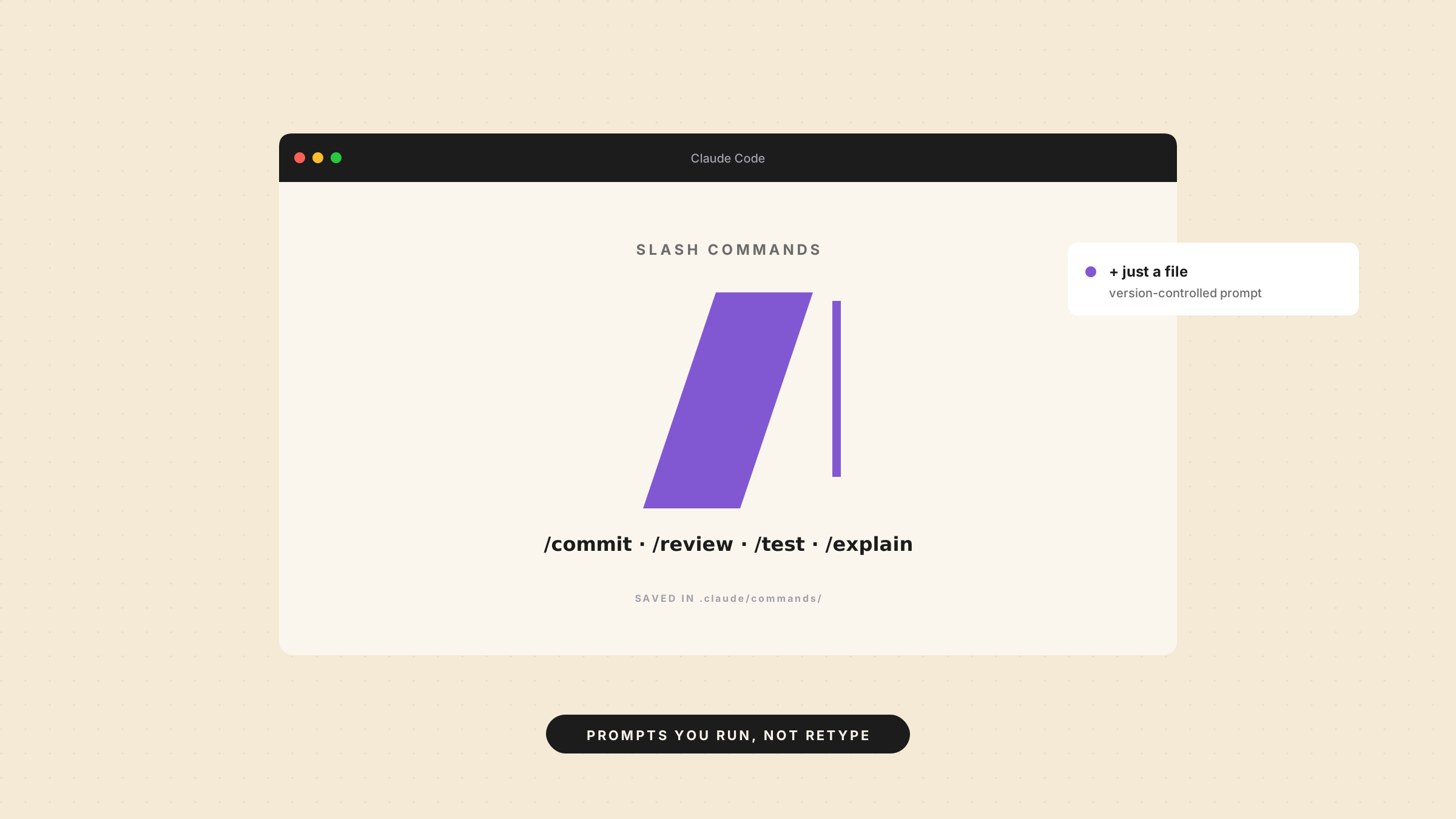
The moment you paste the same prompt into Claude Code for the second time, you’ve found a slash command waiting to happen.
Most people don’t notice they’re doing it. They keep a scratch file of “good prompts,” or they retype “review this for edge cases and write tests” from memory, slightly differently each time. Claude Code slash commands exist to end that habit.
What a slash command actually is
A slash command is a saved prompt you trigger by typing / and a name. That’s the whole idea. It isn’t a macro language or a plugin system, it’s a prompt template that lives in a file.
You write one as a markdown file in .claude/commands/ for a project, or ~/.claude/commands/ to use it everywhere. The filename becomes the command: .claude/commands/test.md gives you /test. The file’s contents are the prompt that gets sent. Drop a $ARGUMENTS placeholder in, and you can pass details at call time, so /test the auth module feeds “the auth module” into the prompt.
The signal that you need one
Don’t make a slash command for everything. The signal is repetition with a fixed shape.
If you ask for the same kind of thing the same way, a release summary, a commit message in your team’s format, a review against your own checklist, that’s a command. The workflow is stable. You’re not improvising it each time; you’re running it.
One-off requests don’t qualify. If the way you’d phrase it changes every time, a command just freezes a prompt you’ll want to rewrite anyway.
How to make a custom slash command
Building a custom slash command takes about a minute:
- Make the file:
.claude/commands/review.md. - Write the prompt as if you were typing it to Claude. Be specific about the output you want, a numbered list, a diff, a single sentence.
- Add
$ARGUMENTSwhere the variable part goes, if there is one. - Save, then type
/reviewin Claude Code.
A working example is short:
Review the changes in $ARGUMENTS for bugs, missing tests, and edge cases.
Return a numbered list, most serious first. Skip style opinions.
Commit the file to your repo and the whole team gets the command. That’s the part people miss: files in .claude/commands/ are version-controlled like any other code, so a good command spreads on its own.
What separates a good command from a bad one
A good slash command does one boring thing well. It has a clear job and a predictable output. You can read its file in ten seconds and know exactly what /review will produce.
Bad commands try to be clever. They bundle five steps, branch on conditions, and end up less reliable than just typing what you want. If you can’t describe the command in one sentence, it’s doing too much. Split it, or leave it as a normal prompt.
The other failure is the undocumented pile. Twenty commands nobody remembers are worse than five everyone uses. Name them for what they do, keep each file short, and delete the ones you’ve stopped running.
A few commands worth making first
If you’re not sure where to start, these earn their place in almost any repo:
- /commit, write a commit message in your team’s format from the staged diff.
- /review, run your code-review checklist against a file or the current changes.
- /explain, summarize what a file or function does, for the parts of a codebase you inherited.
- /test, draft tests for whatever you name in
$ARGUMENTS.
None of these are clever. Each does one job you already do by hand, just faster, and the same way every time.
Slash command, CLAUDE.md, or subagent?
These three get mixed up. The split is simple.
A slash command is a prompt you run on demand. CLAUDE.md is context that’s always on, your conventions, your stack, the rules every response should respect. A subagent is a separate worker for a self-contained job.
So: repeating the same instruction is a slash command. Repeating background the assistant should just know belongs in CLAUDE.md. Don’t bury standing rules inside a command, or you’ll end up typing / for something that should never have needed asking.
Where to find examples
Search claude code slash commands github and you’ll find repositories full of community commands, commit helpers, changelog generators, security passes. Read a few to see how people structure the prompt and where they use $ARGUMENTS.
Borrow the structure, not the pile. A command you copied but don’t understand will produce output you can’t trust.
Open your next session and watch for the first prompt you’ve typed before. Turn it into a file. The second time you type / instead of retyping the whole thing, the point will be obvious.
And if you’d rather learn the tools behind this properly than pick them up in fragments, Draft and Arc can build you a structured course on a topic from a single prompt, lessons and quizzes included.