Most of what you want Claude Code to do does not need an MCP server.
It can already read your files, run your tests, call your scripts, and hit an API with curl. So before you start wiring up MCP servers for Claude Code, it’s worth being honest about when the extra machinery pays off, and when a ten-line script does the same job with less to break.
What an MCP server is, without the hype
MCP, the Model Context Protocol, is a standard way to expose tools and data to an AI assistant. An MCP server is a small program that speaks that protocol. It advertises a set of actions (“search Slack,” “query the database”) and the assistant calls them.
The point of MCP for Claude Code is reuse and a shared standard. Instead of teaching every assistant a bespoke integration, you run one server that any MCP-aware client can use. Write a Slack server once, and Claude Code, your editor, and the next tool all talk to it the same way.
When you actually need MCP
Reach for an MCP server when you need a real, reusable boundary to an outside system:
- A live system with its own auth and state, a production database, a ticketing system, your analytics.
- Something you’ll use across many sessions and tools, not once.
- An integration worth maintaining, where you want consistent, permissioned access instead of ad-hoc commands.
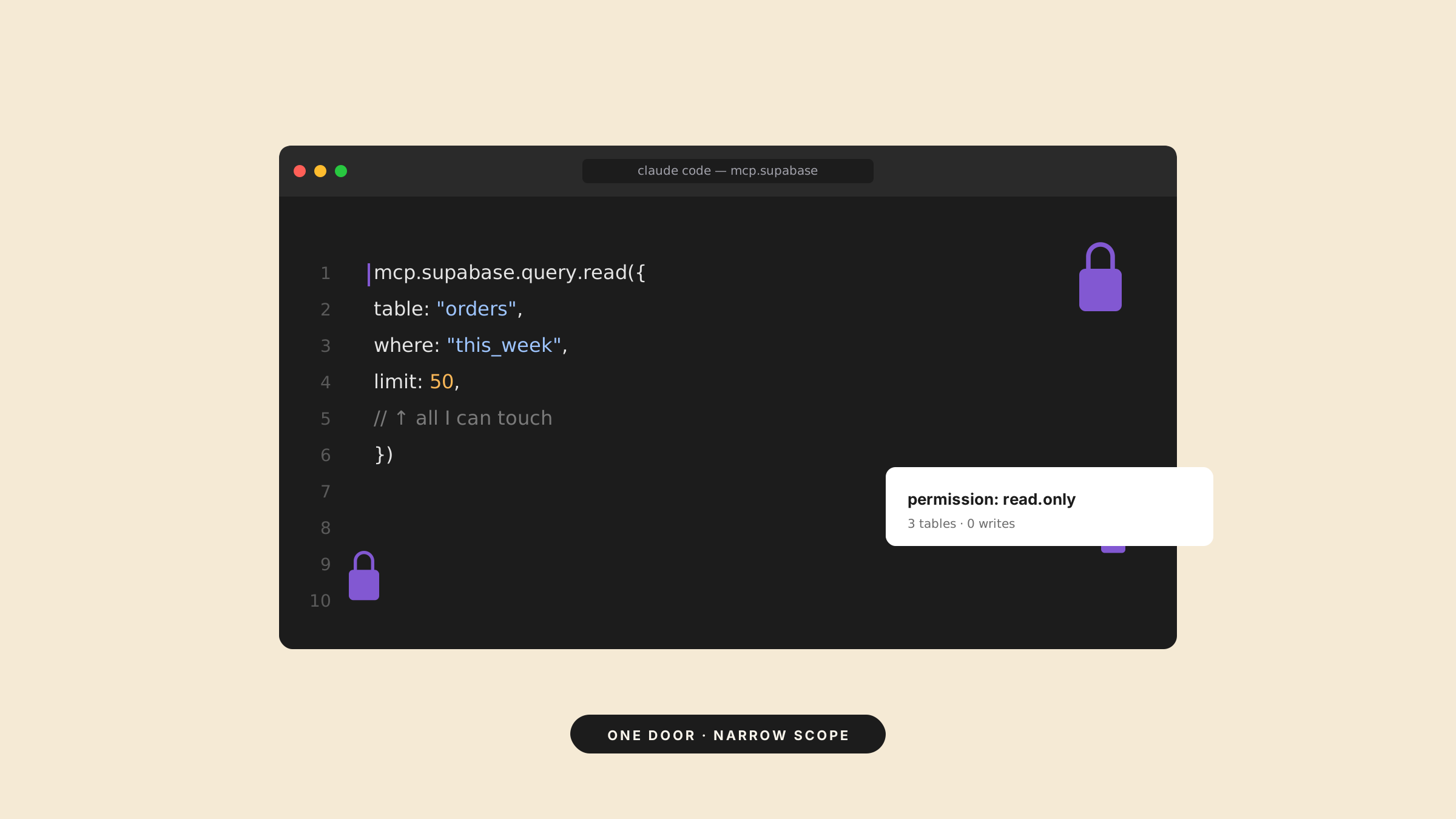
A Supabase MCP for Claude Code is a clean example. Instead of pasting connection strings and hand-writing queries every session, the server gives Claude a stable, scoped way to talk to your database. A Slack MCP for Claude Code is the same idea: one vetted door into Slack, rather than a pile of token-laden curl calls scattered through your history.
When a script beats a server
For most one-off needs, a script wins. If you can write a short bash command or a small Python file that does the thing, do that. It’s easier to read, easier to audit, and it lives in your repo where you can see it.
MCP earns its complexity when the integration is durable and shared. For “hit this endpoint once,” it’s overkill. The honest test: would you still maintain this server in six months? If not, it’s a script. The same instinct applies to subagents and slash commands: reach for the heavier tool only when the lighter one stops scaling.
A few servers people start with
If you want to feel out MCP before committing, these are common first servers:
- A filesystem or Git server, scoped, read-only access to files or repo history.
- A database server, a Supabase or Postgres MCP for Claude Code, scoped to read the tables you care about.
- A Slack server, a Slack MCP for Claude Code for searching channels and threads without exporting anything by hand.
- A GitHub server, issues and pull requests the assistant can read and reference.
Notice the pattern: each is a system with real state and real auth, used often enough to be worth standardizing. That’s the bar.
Do you have to build the server yourself?
Usually not. For common systems, databases, GitHub, Slack, filesystems, servers already exist; you install and scope them. You’d only write your own for an internal system nothing covers yet. Look for an existing server before you build one.
The part that actually matters: permissions
An MCP server is a door into a system, which makes it a security boundary. A database server that can run arbitrary SQL is a very different risk from one scoped to read a few tables.
Before you add a server, ask what it can do at its worst. Prefer ones with read-only or narrowly scoped access. Give it the least it needs, and know which actions wait for your approval. A connected assistant is convenient right up until a tool drops a table because it misread a request.
Adding an MCP server to Claude Code
You add a server with claude mcp add, or by declaring it in a .mcp.json file in your project so your team shares the same setup. You pick the scope, local to you, shared in the project, or available across all your projects.
Start with one server you understand. Confirm what it can reach, use it for a few days, then add another only when you hit something a script genuinely can’t do.
The builders who get value from MCP aren’t the ones with the most servers connected. They’re the ones who reached for a server only when a script wasn’t enough, and knew exactly what each door could open.
And when you want to learn this properly rather than in scattered blog posts, Draft and Arc can turn a topic like building with AI tools into a structured course, lessons and quizzes from a single prompt.